Web App vs Website: What Your Business Actually Needs
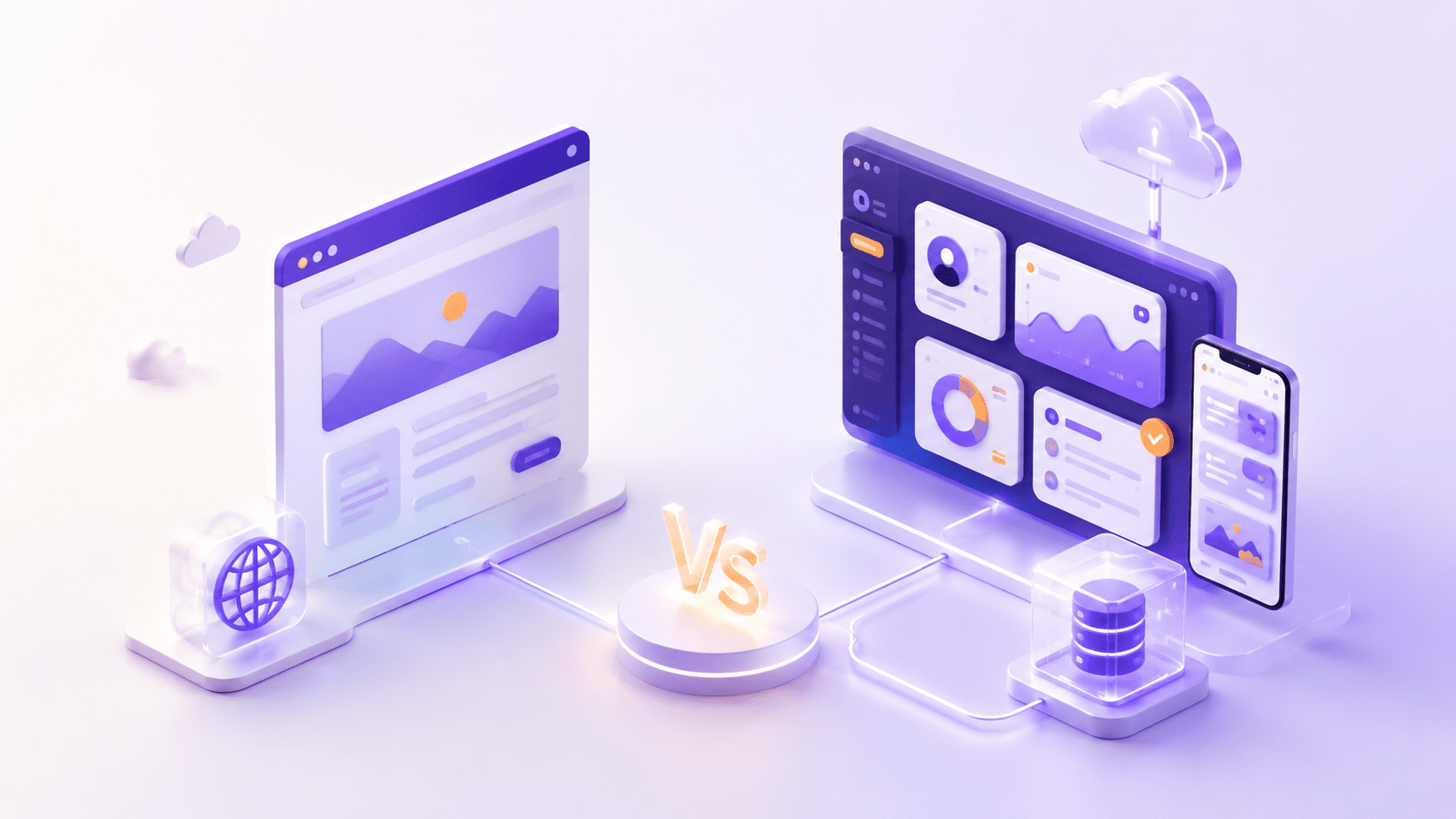
To the people viewing your website, a web app and a website will appear exactly the same. A user navigates to your website through a URL, and once the page loads, they do what comes natural and interactive. From the outside looking in, this seems to be nothing more than a matter of definition. Yet, for those who determine the type of online product to develop, this difference becomes arguably the biggest decision one may ever make; it impacts cost, schedule, and tech stack while fundamentally determining your product’s functionality. While the line between websites and web apps have become somewhat ill-defined with newer technologies and design paradigms, the Website vs Web App question still becomes essential when considering what you’re building. This will clarify which option makes the most sense to meet the goals and objectives for your users.
The Simple Definitions
First, let’s get clear definitions going, because it’s all the other distinctions in service to that. A website is a grouping of interlinked pages under a shared domain name whose purpose is largely to inform, promote, or showcase content. Your visitor is generally a passive viewer, scrolling content, watching media and clicking around, without ever being prompted to change any content. A company brochure site is a great analogue; common examples of sites include blogs, portfolios, online news pages, and company homepages. A web application is a piece of interactive software designed to run in your web browser and offers a more dynamic experience. Web apps prompt their visitors to sign in, to fill out forms, to create or modify data, and then to receive a response customized to them. You use web applications all the time-think Gmail, your online bank account interface, google docs or collaborative project management software such as Trello. The simplest way to hold these apart in your head is a helpful rule of thumb. A website helps your visitors find something. A web application helps your visitors do something. If your visitor mostly clicks and reads, you’re likely picturing a website; if they mostly log in and perform some action, you’re likely picturing a web application. And nearly every other difference follows from this single principle.
The Core Difference: Interactivity and Intent
If you distill down all of the other factors, the one true distinction comes down to the presence of purpose and interactivity. In a website, the purpose of a web owner is to put up a lot of the info for people to take. There’s not a lot of interaction happening between those who own and view. This is why we often think of people visiting a website as a passively looking audience. In a web app, the intent is to engage those who use it in an interaction between a viewer, an information source and again, information to back. This engagement in the process makes someone a viewer, not an onlooker. Another huge indicator can be seen in the content. On any given website, one’s homepage is everyone’s homepage. But your personal content such as playlists or movie preferences are entirely distinct, and those personalized pages are generated dynamically and actively for your use from your interaction data. As I stated earlier, personal dynamic pages are pretty much the biggest tip-off as it eliminates all of the confusion for those not sure what constitutes the two.
Key Differences at a Glance
Here is how the two compare across the factors that matter when you are planning a project.
| Factor | Website | Web App |
| Primary purpose | Inform, market, display | Perform tasks, process data |
| User interaction | Passive (read, browse) | Active (create, edit, manage) |
| Content | Mostly static, same for everyone | Dynamic, personalised per user |
| Technology | HTML, CSS, some JavaScript, CMS | Frameworks, back-end logic, databases |
| Authentication | Rarely needed | Usually required (login) |
| Complexity | Lower | Higher |
| Cost and time | Lower, faster to build | Higher, longer to build |
| Maintenance | Simpler | More involved |
The practical takeaways are straightforward. Websites are the lighter, faster, more affordable option, well suited to presenting your business clearly and being found in search. Web apps are heavier and more expensive because they do more, turning the browser into a piece of working software. Neither is better in the abstract. The right one is simply the one that matches what your users need to accomplish.
How Each One Is Built
Under the hood it all makes sense the price & work difference: With some basic tools, you can build a website. HTML gives structure to the text, CSS provides style and lay-out, and a touch of JavaScript gives life to the site with animated movements and input validation forms. Most sites are operated via a content management system (CMS) such as WordPress, so making updates to articles/text is quite easy. In general, this set of modest tools will allow the use of cheap and humble hosting and will provide sufficient performance. This is the world of web development, with focus on text clarity, beauty and visibility.
With a similar kit, web applications also use HTML, CSS and JavaScript in the initial layer but they continue layers above: With Front-end framework such as Angular, React, Vue. We develop rich, interactive web pages. With Back-end languages as NodeJS, Ruby, Python we develop business logic. A database will be used to secure the individual data of the users. This means you need a more power-hungry hosting, along with professionals: designers, Front-end developers, Back-end developers, testers… this added complexity explains why web application development is more expensive and requires more time and more workers. In short, we pay for more functionality in a web app. A website advertises you; web app operates as part of your business.
The Hybrid Reality: Most Sites Are Both
And this is the portion that good definitions fail to address in a nuanced way. Few products nowadays are clearly just one category or another, with the strongest simply fusing the two together. Consider an internet shop: The landing page, the "About us" segment, the blog page and also the actual pages that sell the products make up the "website portion"; you simply surf around. But then there is the buying cart, the ordering experience, and also the login, where you store order history and save contact details; these make up the "web app portion," customized as well as highly relevant for you. One product with two facets. This hybrid configuration has become the rule as opposed to the exception, with users expecting online business sites to have a consumer area, as well as websites to enable interactive remarks and individual profiles. Modern web advancements such as PWAs and single-page applications perfectly locate their place right here, injecting interactive functionalities to internet sites. The important take away is liberating: you do not need to select a category. You must create the appropriate mix of capabilities and also content to meet the objectives of your users.
SEO and Discoverability: An Important Trade-off
One key SEO implication, often buried under other issues. Traditional, content-heavy web sites are usually much easier for search engines to crawl and index than a web application. The web site’s page structure is, frankly, simple, its content accessible on every page, and the content is visible, readable by search engines without a lot of JavaScript magic. A web application with dynamic content generated with a lot of client-side code is, more often than not, opaque to search engines. The bottom line isn’t that web apps have SEO problems, but rather that searchability has to be deliberately incorporated from the ground up rather than hoping for the best later on. And that’s one place you need good SEO service and good web development.
Which One Does Your Business Actually Need?
This is the question the whole comparison leads to. The good news is that the answer usually becomes clear once you focus on your goal rather than the technology.
Choose a website if the main goals is to make people find your business, get interested, believe you, learn from your content and contact you. A good web-site offers precisely all these things at very good rates. It is a well-suited option for local shops, service enterprises, blogs, portfolio site, informative (brochure) web site.
Choose a web app if your users need to log in, execute tasks, store data, make payments, or have an experience customized for them. In essence, if your product is an instrument people operate instead of something they consumed, a web app makes perfect sense. It’s a good fit for SaaS solutions, customer dashboards, marketplaces, customer portals, booking engines.
Choose a hybrid, which is the most common answer, if you need both a marketing presence and interactive functionality. Most e-commerce and membership sites live here, pairing informational pages with logged-in, task-driven features.
To point yourself in the right direction, ask a few simple questions. Do users mainly read, or do they need to do things? Will they need accounts and logins? Does each person need a personalized experience? How important is being found through search? Your answers will make the direction obvious. If you would like a second opinion grounded in your specific goals, talk to our team about your project and we will help you scope the right solution.
A Note on Mobile Apps: Where They Fit
If these concerns apply, you might also wonder about adding a mobile app, so let’s fit that into the frame. A mobile app is downloaded from an app store, running directly on a phone or tablet. It is most useful when you predict users will be regularly using your offering on their phone and will gain the advantages of device features and a speedier, personalized mobile experience. For most organizations, the common journey starts with a website to maximize reach, a web app for in-depth functionality and finally a mobile app when it’s clear the mobile experience will be central. It’s great to develop a mobile app but typically a final piece of the puzzle, not a beginning.
Conclusion
The web app vs. Website choice is fundamentally asking what you want users to do. A website informs and markets. It moves a reader into the audience. A web app allows users to do. It moves a user into the participant. Realistically, the best business models use a mix of both website content and app function that meets their business goals and user expectations. No “better” choice exists, only a “best fit” for your goals, users, and financial resources. Clarify your product’s objectives and the right structure will quickly emerge. We can guide you in determining your best course and creating the plan you need by talking with our team about your business idea today.
Frequently Asked Questions
External references used in this article: - How web pages and sites actually work (MDN Web Docs) - Google's guidance on JavaScript and SEO (Google Search Central) - An overview of progressive web apps (web.dev)
Related Blog

Healthcare Software Development: What Compliance Actually Requires
A founder says, "We just need to make it HIPAA compliant", as if compliance were a plugin you install before launch. Then the first…

The Software Development RFP Template That Gets Useful Proposals (Free Download)
A good software development RFP contains nine things: company and project background, a problem statement separated from any assumed solution, clear scope boundaries, real…
0 Comments
Please log in to post a comment