Lost Traffic to AI Overviews? What the Data Says to Do Next
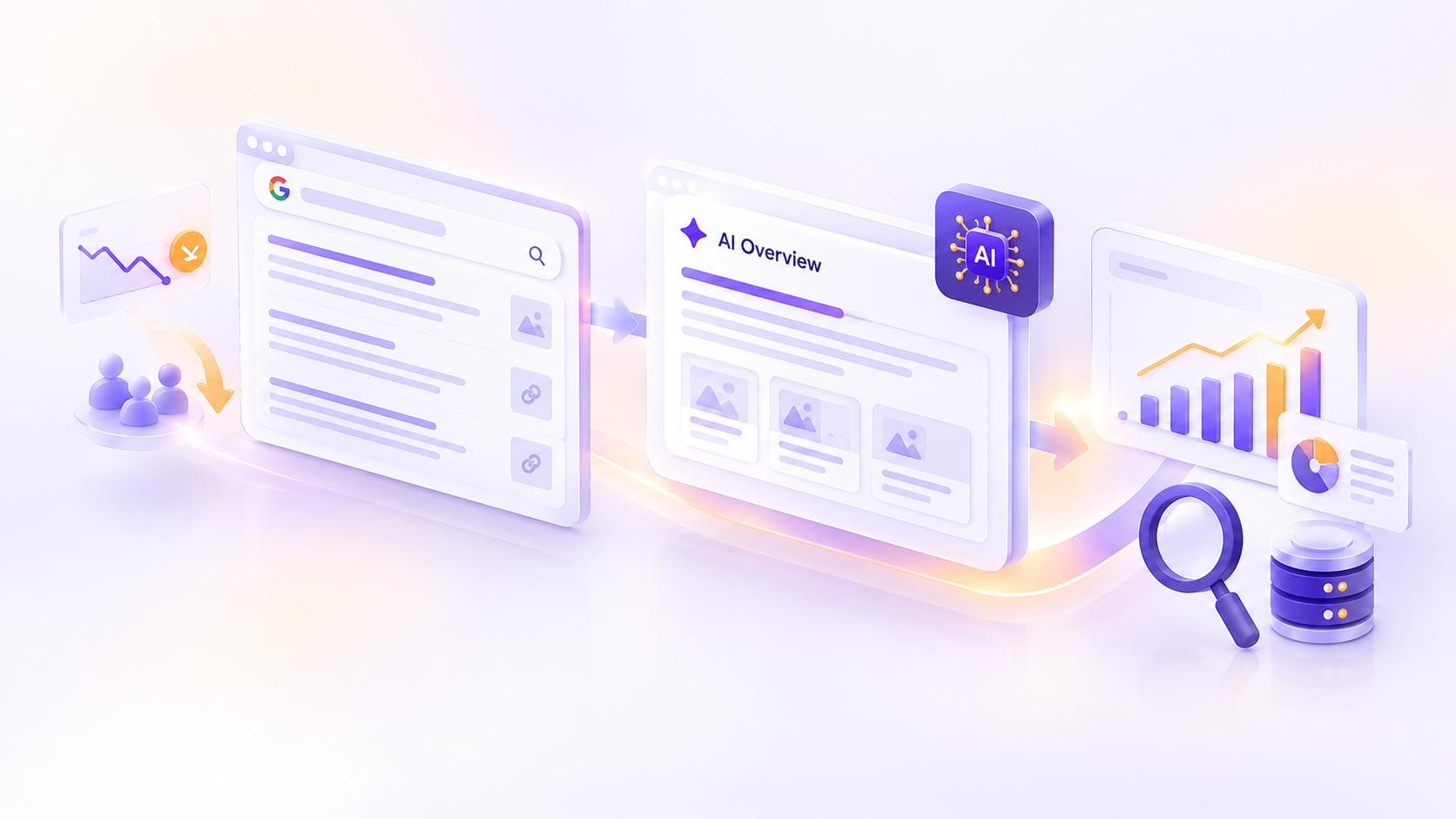
Open Search Console and you might spot a pattern that makes your stomach drop. Impressions are holding steady, maybe even climbing. Your rankings look fine. Yet clicks keep sliding, month after month.
It's tempting to blame AI Overviews and start tearing up your content plan. Sometimes that instinct is right. Other times the real cause is something else entirely, or the damage sits in a small group of pages you can fix. The research published over the past year gives us enough evidence to tell the difference, and it points to a sensible order of operations.
This post covers what the studies actually show (including the parts that don't fit the scary headlines), how to confirm AI Overviews are behind your own drop, and what to do next. The figures are current as of late September 2026, and we flag where a study has limits.
The short version
- Clicks do fall when an AI answer appears. Every major study points the same direction, though the size of the drop ranges widely, from roughly a third to well over half depending on how it's measured.
- The hit isn't evenly spread. Question and comparison searches are exposed the most. Buying-intent searches see far fewer AI Overviews.
- Being cited helps, but it doesn't fully rescue you. It's the better of two reduced outcomes.
- The freefall may be slowing. One large 2026 dataset shows a partial rebound, but it's early and not a reason to relax.
- Google says the fundamentals still apply. No secret markup is required, and most "AI SEO hacks" don't matter for Google Search.
- Your own data beats any benchmark. Diagnose first, then act on the pages that actually matter to revenue.
What the data actually says
Clicks drop when an AI answer sits above the results.
The clearest look at real user behavior comes from Pew Research Center. It tracked the browsing of 900 U.S. adults during March 2025 and found that people clicked a regular result link in 8% of visits when an AI summary appeared, compared with 15% of visits when one didn't. Clicks on the sources cited inside the summary were rarer still, at about 1% of visits. People also ended their browsing session on the results page more often when a summary was present (26% versus 16%). Pew is careful to frame this as an association, not proof that summaries alone cause the gap.
Ahrefs approached it from the ranking side. Its early-2025 analysis estimated that an AI overview cut clicks to the top-ranked result by about 34.5%. A follow-up using December 2025 data across 300,000 keywords put the estimated drop at roughly 58% for informational searches. Ahrefs also noted that AI Overviews had spread to more countries and languages in the meantime.
The numbers disagree, and here's why.
If you've seen wildly different percentages quoted, you're not imagining it. Each study asks a slightly different question:
| Source | What it measured | Headline finding | Keep in mind |
| Pew Research Center (published July 2025) | How 900 U.S. adults clicked in real browsing | Regular link clicks: 8% with a summary versus 15% without | Older data (March 2025), U.S. only, shows association. |
| Ahrefs (published May 2026) | Position one click-through rate on informational keywords. | About 58% lower with an AI overview, up from 34.5% a year earlier | One vendor's keyword set, and the result relies on a forecast of what CTR would have been. |
| Seer Interactive (April 2026) | 53 brands, 5.47 million tracked queries | Organic CTR on AI Overview queries hit 1.3% in December 2025, then rebounded to 2.4% by February 2026. | Client-based sample, described by Seer as directional |
| SparkToro with Similarweb (June 2026) | U.S. searches that ended with no click at all | 68% zero-click in early 2026, versus about 60% in 2024 | The two years use different data panels, so read the gap as a trend. |
No single number is "the" answer. Treat them as a range, then find out where your own site falls inside it.
The damage is concentrated in certain kinds of queries.
Seer's data shows how uneven the exposure is. Roughly 36% of informational queries in its dataset showed an AI overview, compared with about 8% of commercial queries and about 5% of transactional ones. Within informational searches, some formats are almost guaranteed to trigger one:
- Comparison queries ("X vs Y"): about 95% showed an AI overview
- Review queries: about 86%
- Question queries (what, why, how, is): about 86%
- "Best of" queries: about 81%
- Informational queries with "near me": about 77%
- Single-word queries: still about 27%
The takeaway is practical. If your traffic leans on how-to guides, definitions, and comparison posts, you're standing where the wind is strongest. If your revenue comes from product, service, and local pages, you have more protection today, though it isn't total.
The newest signal: a possible leveling off, not a recovery
Here's the part that rarely makes headlines. Seer had projected that click-through rates would keep falling into 2026. Instead, organic CTR on AI Overview queries climbed from a low of 1.3% in December 2025 to 2.4% by February 2026. That's still below where it started in January 2025 (about 3.2%), and Seer itself warns against planning around a rebound based on two months of data.
The sensible reading is "stop assuming a straight line down", not "the problem is over". Exposure is also still broad. Google said in June 2026 that AI Overviews has more than 2.5 billion monthly users and AI Mode has passed one billion.
Being cited helps, but it isn't a full rescue.
Seer put the difference in concrete terms. For every million impressions on informational queries, it saw roughly:
- 33,500 organic clicks when no AI overview appeared
- 20,700 clicks when an AI overview appeared and the brand was cited
- 9,400 clicks when an AI overview appeared and the brand was not cited
That works out to about 120% more clicks per impression for cited brands than uncited ones, while still landing roughly 38% below the no-overview baseline. Seer also cautions that it can't prove causation, since stronger brands are more likely to be cited in the first place.
Zero-click behavior is rising overall.
SparkToro's 2026 analysis, built on Similarweb's clickstream data, found that about 68% of U.S. Google searches in the first four months of 2026 ended without a click to any result, up from about 60% in its 2024 benchmark. AI overviews are one contributor, not the only one. Seer, for example, found that commercial queries without an AI overview also saw declining organic CTR in 2025, which suggests other changes to the results page are pulling clicks too.
Step 1: Confirm AI overviews are really your problem.
Before you change anything, make sure you're fixing the right thing.
- Look at impressions and clicks separately. Falling CTR with steady or rising impressions and a stable average position fits the AI Overview pattern. Falling impressions or sliding rankings point somewhere else, such as a core update, a technical issue, or lost links. Watch out for CTR on its own, too. Seer showed that CTR can drop simply because impressions grew faster than clicks, for instance, when a brand earns citations on more queries.
- Segment by query type. Split your data into questions, comparisons, and definitions versus branded and transactional searches. If the losses cluster in the first group, that's a strong clue.
- Spot-check the live results. Search your top 20 losing queries. Note whether an AI overview appears and whether your page is cited.
- Use Google's new AI report if you have access. In June 2026, Google began rolling out a generative AI performance report in Search Console. It shows impressions, pages, countries, devices, and dates for your appearances in AI Overviews and AI Mode, but it doesn't include click data, and it's reaching sites in stages. Google also confirms that traffic from these features is still counted inside your overall performance data.
- Rule out ordinary causes. Check for tracking changes, seasonality, and site issues. Google's guide to debugging search traffic drops is a good checklist.
Step 2: Sort your pages into four groups.
Once you know where the loss lives, triage. Not every page deserves the same effort.
| Group | How to spot it | What to do |
| Buying intent and branded pages | Stable clicks, few AI overviews | Protect and expand. Keep product, pricing, and local business details accurate and complete. |
| Informational pages where you're cited | AI impressions and clicks are holding up reasonably. | Keep them fresh, add depth and first-hand detail, and track them closely. |
| Informational pages that are exposed and not cited | Sharp click loss, AI Overview present | Rework with the original value, or consolidate with a stronger page. Adding more words alone won't fix it. |
| Thin, commodity pages | Losing clicks and delivering little engagement or revenue | Merge, redirect, or retire. |
One firm rule: don't cut a page because its clicks fell. Check conversions and assisted value first. A page that quietly feeds your pipeline may be worth far more than its traffic suggests.
Step 3: Create content; an AI summary can't fully replace
Google's own guidance, updated in July 2026, says the biggest long-term lever is non-commodity content: pages with a unique point of view, drawn from real experience, that go beyond what anyone could summarize from common knowledge. That advice lines up neatly with what the click data suggests.
Some ways to put it into practice:
- Publish original data. Survey results, benchmarks, or analysis from your own work give a summary that can be cited and give readers a reason to visit.
- Show first-hand experience. Real tests, screenshots, numbers, and lessons from mistakes are hard to copy and easy to trust.
- Build things people use, not just read. Calculators, templates, checklists, and tools invite a click because the value lives on your page.
- Make comparisons opinionated and specific. Since almost every "X vs Y" query triggers an overview, a generic side-by-side won't cut it. Use your own criteria, real data, and a clear recommendation.
- Look for queries with no AI Overview. Seer found that informational queries without one saw CTR rise from roughly 2.9% to about 4% over 2025. Its best guess is a selection effect: with quick-answer searchers absorbed by the overview, the people left are more inclined to click. Whatever the cause, those queries deserve a fresh look.
Step 4: Earn the citation without chasing hacks
Here's a useful reality check straight from Google. Its documentation says AI Overviews and AI Mode are built on the core Search ranking and quality systems, using techniques such as retrieval-augmented generation and "query fan-out", where the system runs several related searches behind the scenes. It also says no extra requirements or special optimizations are needed to appear.
The same guide lists several popular tactics that Google says you can skip for Google Search: creating llms.txt files, chopping content into tiny "chunks", rewriting pages purely for AI systems, chasing inauthentic mentions, and obsessing over structured data. (Google adds that structured data is still worth using for rich results.)
What does help:
- Be indexable and snippet-eligible. A page has to be crawlable, indexed, and eligible to appear with a snippet to show up in these features.
- Check you haven't opted out. Search Console now includes a control that lets sites choose whether to appear in generative AI features. Google says sites that opt out get no traffic or impressions from those features, though the setting isn't used as a ranking signal elsewhere. Make sure any opt-out is a deliberate decision.
- Answer the core question plainly, then go deeper. A clear answer near the top makes it easy for readers and systems to see what your page offers.
- Cover the natural follow-up questions on one strong page. Google warns that producing lots of variant pages mainly to manipulate AI responses counts as scaled content abuse, and it says quantity doesn't make a site better.
- Keep product and local data clean. Merchant Center feeds and Business Profiles help products and businesses appear in AI responses.
A fair caveat: Google's advice covers Google Search. Other AI assistants use different sources and behave differently, and Google cautions that no third-party tool can see its internal ranking or AI systems, so treat "AI visibility scores" as rough indicators.
Step 5: Update how you measure success
If your report still leads with sessions alone, it will keep telling a gloomy story that may not match the business. Add measures that reflect the new reality:
| What to track | Where to find it | Why it matters |
| Clicks and CTR by query group (informational versus commercial) | Search Console | Shows where the loss is concentrated |
| Impressions inside AI features | Generative AI performance report | Shows whether you're visible in the answer, even without a click |
| Branded search trends | Search Console, Google Trends | Some people see your name in an answer and search for you later |
| Leads, sales, and revenue from organic | Analytics and CRM | Confirms whether the business is actually hurting |
| Cited versus uncited pages | Manual checks, third-party trackers | Guides where to invest |
Be careful with the comforting line "traffic is down but the business is fine". It might be true, but prove it with conversion data before you say it to leadership. A useful report answers three questions: Are we visible? Are we getting clicks? Is the business benefiting?
Step 6: Depend less on any single click
The wider lesson from the zero-click numbers is to spread your risk:
- Grow brand demand. People who already know your name are less vulnerable to a summary standing in the way. An Amsive analysis, reported by Search Engine Land, found that branded queries rarely triggered an AI Overview, and those that did saw click-through rates rise.
- Build an owned audience. An email list, a community, or a customer portal doesn't depend on a search click.
- Use paid search as a hedge, with eyes open. Seer found paid CTR was steadier than organic, but at a persistently lower level, so check your cost per acquisition before shifting budget.
- Don't assume AI assistants will make up the difference. Similarweb reported that fewer than 7% of ChatGPT prompts included any source citation as of May 2026, so those platforms aren't yet a reliable replacement for lost clicks.
Six mistakes to avoid
- Deleting content in a panic. Clicks alone don't measure value.
- Mass-producing AI-written pages for every possible variation. It risks breaking Google's spam policy and rarely builds real authority.
- Paying for hacks Google says it ignores. Check the official guidance before you spend.
- Opting out of AI features without modeling the cost. You would lose those impressions and any traffic they send.
- Reading CTR without impressions. You can misdiagnose a healthy page as a failing one.
- Forecasting in a straight line. The 2025 data suggested endless decline, and early 2026 surprised everyone. Plan with ranges and re-check quarterly.
A simple 90-day plan
- Days 1 to 14: Diagnose. Pull 12 months of Search Console data, split it by query type, and identify the pages that lost the most clicks and the most revenue. Spot-check the live results for your top queries.
- Days 15 to 45: Triage and fix. Place pages in the four groups. Rework your top 10 exposed pages with original data, first-hand detail, and a clearer answer. Consolidate or retire the weakest.
- Days 46 to 75: Build. Create one or two high-value assets, such as a tool, a data study, or an opinionated comparison, aimed at queries where you can win.
- Days 76 to 90: Measure and reset. Compare against your baseline using clicks, AI impressions, branded search, and conversions. Adjust your plan and set a quarterly review.
The bottom line
AI Overviews have changed how clicks flow, and the evidence for that is solid. But the story isn't uniform. The losses cluster around certain query types, citations soften the blow, and the latest data hints that the steepest part of the drop may have passed. What separates the sites that adapt from the ones that flounder is the response: diagnose carefully, protect the pages that earn revenue, publish things worth visiting, and measure success by business results instead of sessions alone.
If you'd like a second set of eyes on your Search Console data, the team at Raydiant Webs is happy to help you sort out what's really behind your numbers.
Frequently asked questions
Related Blog

AI Agents for Business Operations: The Hype vs What Actually Ships in 2026
An AI agent is a system that uses a language model to decide, on its own, which tools to use and in what order…
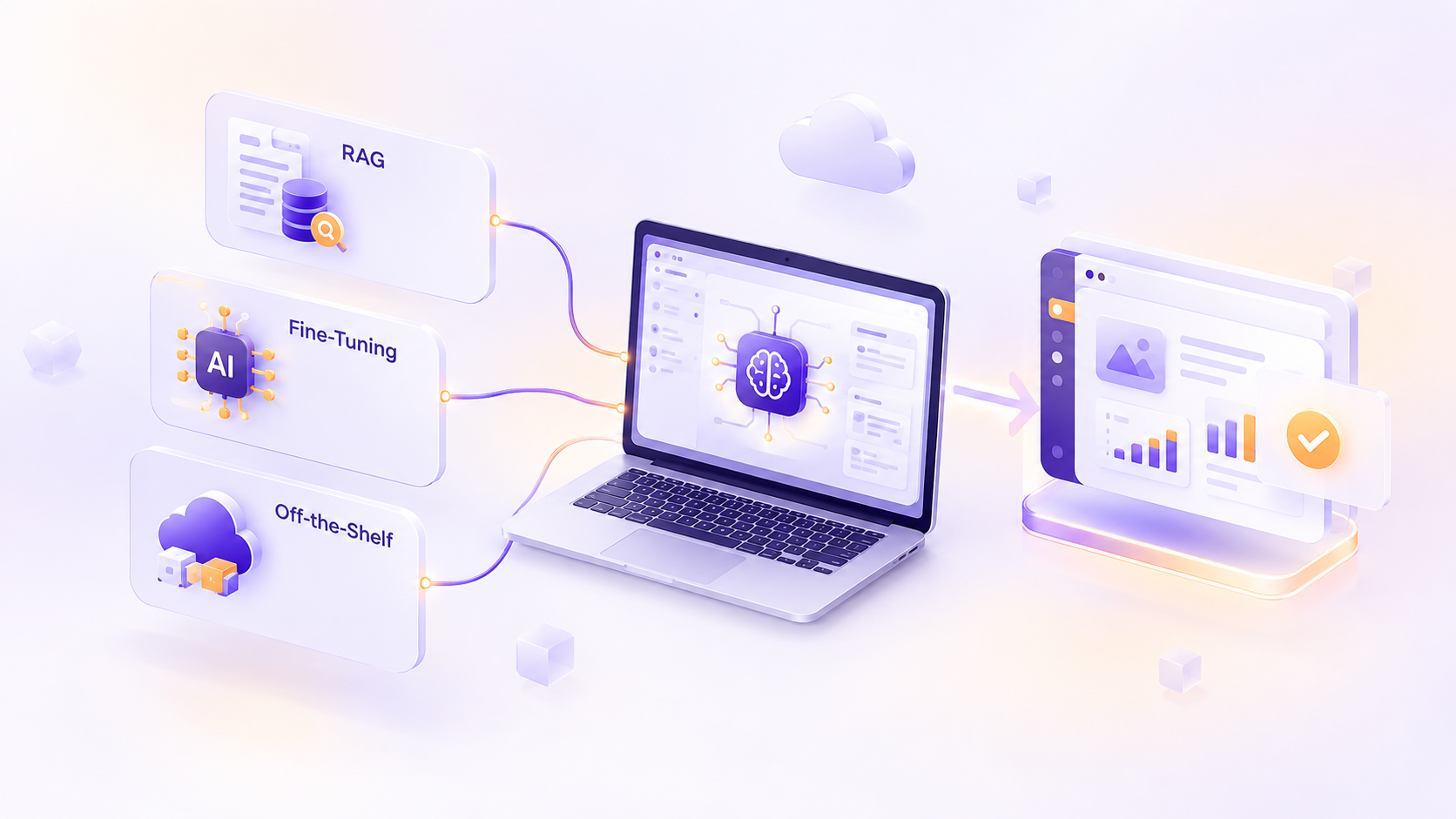
RAG, Fine-Tuning, or Off-the-Shelf: How to Add AI to Your Product Without Regret
Most teams don't regret adding AI to their product. They regret how they added it. Picture a team that spends three months fine-tuning a…
0 Comments
Please log in to post a comment