AI Agents for Business Operations: The Hype vs What Actually Ships in 2026
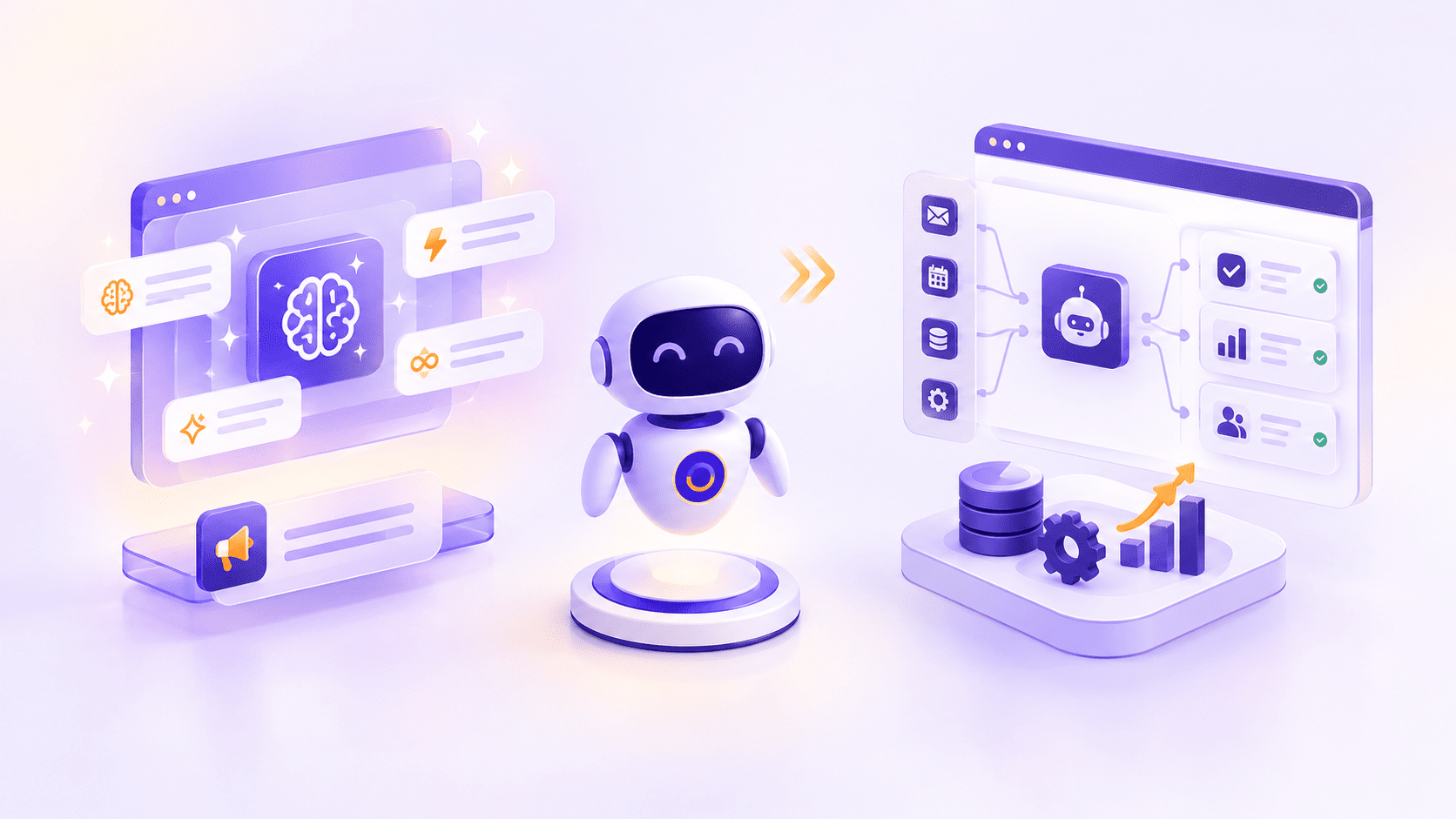
An AI agent is a system that uses a language model to decide, on its own, which tools to use and in what order to complete a task, rather than following a script someone wrote in advance. That's the honest, unglamorous definition. Everything else you've heard, agents running whole departments, replacing entire teams, operating with zero oversight, is either years away or was never real to begin with.
Here's the state of things in late 2026, without the sales deck gloss: agent capability has jumped dramatically over the past year, and real businesses are shipping real agent-powered workflows today. At the same time, most companies that start an agent project are still stuck in pilot mode, and a meaningful share of those projects will be quietly canceled before they ever reach production. Both of those things are true simultaneously, and understanding why is the difference between building something useful and building something that becomes a very expensive proof of concept.
What is an AI agent (and what isn't)?
An AI agent, in the definition most engineering teams now converge on, is a large language model using tools in a loop: it receives a task, decides what information or action it needs, calls a tool to get it, evaluates the result, and repeats until the task is done or it needs to hand off to a human. Anthropic's own official guidance on building agents puts it plainly, the defining feature isn't intelligence for its own sake, it's autonomous, iterative tool use aimed at a goal.
That definition rules out a lot of things currently marketed as "AI agents".
Agents vs chatbots vs automations
| Automation / RPA | Chatbot | AI Agent | |
|---|---|---|---|
| Decision-making | Follows fixed, pre-written rules | Follows a script or retrieves canned answers | Decides which tools and steps to use based on the situation |
| Handles novel situations | No | Limited, usually escalates | Yes, within its defined scope |
| Multi-step tasks | Only pre-programmed sequences | Rarely, mostly single-turn exchanges | Yes, chains multiple tools and steps toward a goal |
| Needs human oversight | Minimal, once configured | Moderate, mainly for escalations | High, especially in the first months of deployment |
| Typical example | Auto-forwarding an invoice email to the accounting inbox | Answering FAQ questions on a website | Investigating a failed payment across three systems and drafting a resolution |
If you already run a chatbot on your site that answers pre-defined questions from a knowledge base, that's not an agent, and it doesn't need to become one to be valuable. The distinction matters because a huge amount of what gets sold as "agentic" today is really automation or a chatbot with an agent-shaped marketing wrapper. Gartner has a name for this: "agent washing", the rebranding of existing RPA and chatbot products as agentic without any real autonomous decision-making underneath.
The hype: what vendors promise
Walk any enterprise software conference floor and the pitch is remarkably consistent: agents that run your customer service department end to end, agents that manage your entire sales pipeline without a rep touching it, agents that operate your back office while your team focuses on "strategic work". The demos are polished, the case studies are curated, and the implied timeline is always "now, or very soon".
The honest gap between that pitch and reality is large. According to McKinsey's 2026 State of AI survey of 1,719 respondents across 97 countries, only about two in ten organizations report reaching full scaling with AI agents anywhere in their business, and in most individual business functions, fewer than one in ten have gotten past the experimentation phase. Gartner's own research is blunter still: it predicts more than 40% of agentic AI projects will be canceled by the end of 2027, citing escalating costs, unclear business value, and inadequate risk controls as the leading causes.
None of this means agents don't work. It means most of what's being sold as a finished product is closer to a research preview, and the businesses succeeding with agents today are the ones scoping narrowly rather than buying the department-in-a-box pitch.
What actually ships in 2026: 6 working use cases
Set the hype aside, and there's a real, growing list of agent deployments that businesses are running in production right now, with measurable results.
Customer support triage and resolution
Support agents that read an incoming ticket, pull the customer's order or account history from a CRM, check it against documented policy, and either resolve the issue directly or draft a response for a human to approve are one of the most mature agent categories in production today. The task is well-bounded: a fixed set of tools, a fixed set of policies, and a clear escalation path when the agent hits something it can't resolve. That combination of boundaries is exactly what makes agents reliable, and exactly what's missing from the "handles anything" pitch.
Document processing pipelines
Agents that extract structured data from invoices, contracts, or intake forms, cross-check it against existing records, and flag discrepancies for review are shipping widely in finance, legal, and operations teams. Unlike older OCR-and-rules pipelines, an agent can decide how to handle a document that doesn't match the expected format instead of simply failing, which is where most of the real productivity gain shows up.
Sales research and CRM enrichment
Before a sales call, an agent can research a prospect across public sources, pull relevant firmographic data, check past interaction history, and draft a briefing note, then log everything back into the CRM automatically. This is a strong fit because the task is research-and-summarize rather than decision-and-commit, so the cost of an occasional imperfect output is low.
Internal knowledge assistants
Agents that search across a company's documentation, tickets, and internal wikis to answer employee questions, citing where the answer came from, are one of the fastest-growing categories, and one of the safer ones, since the agent is retrieving and summarizing rather than taking action on external systems.
Code and QA assistance
Coding agents that can read a codebase, make a change, run tests, and iterate based on the results have seen some of the sharpest capability gains of any agent category. Stanford's 2026 AI Index recorded software engineering benchmark scores climbing from around 60% to near 100% of human baseline performance in a single year on one widely used coding benchmark, a genuinely unusual pace of improvement even by AI standards.
Scheduling and coordination
Agents that negotiate meeting times across calendars, handle rescheduling when conflicts arise, and coordinate logistics for multi-person events are a lower-stakes, high-frequency use case. The failure mode (a slightly awkward reschedule) is mild enough that these agents can run with less oversight than most other categories on this list.
Where agents still fail, and why
The same Stanford AI Index data that shows real capability gains also shows exactly where the limits sit today.
Reliability, hallucination, and edge cases
On OSWorld, a benchmark that tests agents on real computer tasks across operating systems, task success climbed from roughly 12% to about 66% over the past year, a genuine leap. But that also means agents still fail roughly one in three attempts at structured, well-defined computer tasks. Outside a narrow, well-tested domain, failure rates climb further. An agent that's excellent at triaging support tickets can be unreliable the moment it encounters a request pattern nobody anticipated during testing.
Integration and permissions complexity
An agent is only as useful as the systems it can actually reach, and every system it touches is a new permissions decision. Giving an agent read access to a CRM is a different risk calculation than giving it write access to a billing system, and most of the actual engineering time in a serious agent project goes into scoping exactly what the agent can see and do, not into the AI itself.
The human-oversight requirement
Every credible framework for deploying agents, including Anthropic's own guidance, emphasizes starting with the smallest design that solves the task and adding autonomy only where it's earned through testing. That's the opposite of the "fully autonomous from day one" pitch. In practice, the agents succeeding in production almost all include a human approval step for consequential actions, at least for the first several months of operation, with autonomy expanded gradually as the failure rate on a given task proves low enough to trust.
Cost and latency at scale
An agent that calls several tools, inspects each result, and sometimes retries before finishing a task is inherently slower and more expensive per task than a single model call or a fixed script. That's a reasonable trade when the task genuinely needs the flexibility, but teams sometimes discover the economics only after launch, when a support agent that costs a few cents per resolved ticket in testing turns into a meaningfully larger monthly bill once it's handling thousands of tickets with multiple tool calls each. Model providers generally recommend capping the number of tool calls an agent can make on a single task for exactly this reason, both to control cost and to prevent an agent from looping indefinitely on a problem it can't solve.
The realistic adoption path for an SME
Businesses that get real value from agents almost always follow some version of a crawl, walk, run progression, rather than jumping straight to an autonomous agent running a whole function.
Crawl: start with simple automation. Before introducing any agent, get the basics of automating your most repetitive, rule-based processes working well. If a task can be handled by a fixed sequence of steps, it doesn't need an agent, and building the automation version first tells you a lot about where an agent would actually add value versus where it would just add cost and risk.
Walk: introduce agent-assisted workflows with a human in the loop. Pick one well-bounded task, support ticket triage or document extraction are common starting points, and deploy an agent that drafts or recommends an action for a human to approve rather than acting independently. This is where most successful production deployments live today, and it's also where you build the internal evidence (accuracy rates, time saved, failure patterns) needed to justify expanding scope.
Run: expand autonomy in narrow, well-tested domains. Once a specific task has run with human approval for long enough to establish a strong track record, extend the agent's autonomy for that specific task, not for the function as a whole. The mistake to avoid is treating "the agent works well at task A" as evidence it's ready for tasks B, C, and D. Each expansion of scope deserves its own testing period.
Skipping straight to "run" is the single most common reason agent projects end up in Gartner's cancellation statistics. The businesses that make it to genuine, valuable autonomy are almost always the ones that took the slower path first.
Questions to ask before buying an "agentic" product
Given how loosely the word "agent" gets used in vendor marketing, a short evaluation checklist saves a lot of wasted budget before you sign anything.
- What decision does the system actually make on its own? If the honest answer is "it follows a fixed sequence you configure once", you're looking at automation with an agent-shaped label, not an agent. That's not necessarily a problem, automation is often exactly what you need, but you should know which one you're buying.
- What happens when it encounters something outside its training or configuration? A real agent has some capacity to recognize it's stuck and escalate. A rebranded rules engine typically fails silently or produces a confidently wrong result.
- Can you see and control exactly which tools and data it can access? If a vendor can't give you a precise answer to what systems the agent touches and with what permissions, that's a governance gap you'll inherit.
- What does the vendor's own uptime and error-rate data look like in production, not in the demo? Ask for real numbers from existing customers at a scale similar to yours, not the best-case demo script.
- Who is accountable when it makes a costly mistake? Get this in writing before deployment, not after the first incident.
Working through this list before committing budget is usually enough to separate the roughly 130 vendors Gartner estimates have genuinely agentic products from the much larger pool of relabeled tools riding the same wave.
How to know if your agent is actually working
Before expanding any agent's scope, track a small set of numbers rather than relying on impression alone.
- Task success rate. What share of attempts does the agent complete correctly without human correction? Measure this against a held-out set of real, representative cases, not just the examples used during development.
- Escalation rate and reason. How often does the agent hand off to a human, and for what reasons? A rising or unpredictable escalation rate usually means the agent is being asked to handle cases outside its tested scope.
- Time saved per task, measured honestly. Compare the fully loaded time, including the time a human spends reviewing or correcting the agent's output, against the time the task took before. Reviewing agent output is real work, and skipping it in the comparison overstates the gain.
- Cost per completed task. Track model API spend alongside any human review time, and watch this number as volume grows, not just at launch, since per-task cost can shift as usage patterns change.
A task success rate above roughly 90% on well-bounded work, with a stable or falling escalation rate, is a reasonable bar before expanding an agent's autonomy or scope. Below that, the right response is usually narrowing the task further rather than adding more oversight on top of a shaky foundation.
What agent projects cost
Costs vary enormously based on scope, and vendors quoting a single number are usually hiding a lot of assumptions. As a general guide:
- A single-task, well-bounded agent (support triage for one product line, document extraction for one form type): roughly $15,000 to $60,000 to build, plus ongoing model API costs that scale with usage volume.
- A multi-tool agent integrated with two or three internal systems (CRM enrichment plus scheduling, for example): roughly $60,000 to $150,000, with integration and permissions work usually accounting for more of that than the agent logic itself.
- A complex, multi-agent system coordinating several specialized agents across a broader workflow: $150,000 and up, and these are exactly the projects where Gartner's cancellation risk is highest if scope isn't tightly controlled from the start.
These bands sit within the broader range covered in our guide to AI development costs, since an agent project is a specific, more complex category of AI development rather than a separate discipline. Ongoing costs, model API usage, monitoring, and periodic retesting as underlying models update, typically add 15% to 25% of the build cost per year, and that figure climbs for agents handling high transaction volumes.
The bottom line
The honest state of AI agents in 2026 is that the technology improved faster than almost anyone predicted, and adoption is moving more slowly and more carefully than the vendor pitches suggest, and both of those facts are good news if you're the one deciding where to spend your budget. The businesses getting real value aren't the ones that bought the department-replacing pitch. They're the ones that picked one well-bounded task, kept a human in the loop while the agent earned trust, and expanded scope only where the evidence supported it.
If you're trying to figure out where an agent would actually help your operations, rather than where it would just add cost and risk, the team at Raydiant Webs can help you scope a first project that's sized to succeed.
Frequently asked questions
Related Blog
Lost Traffic to AI Overviews? What the Data Says to Do Next
Open Search Console and you might spot a pattern that makes your stomach drop. Impressions are holding steady, maybe even climbing. Your rankings look…
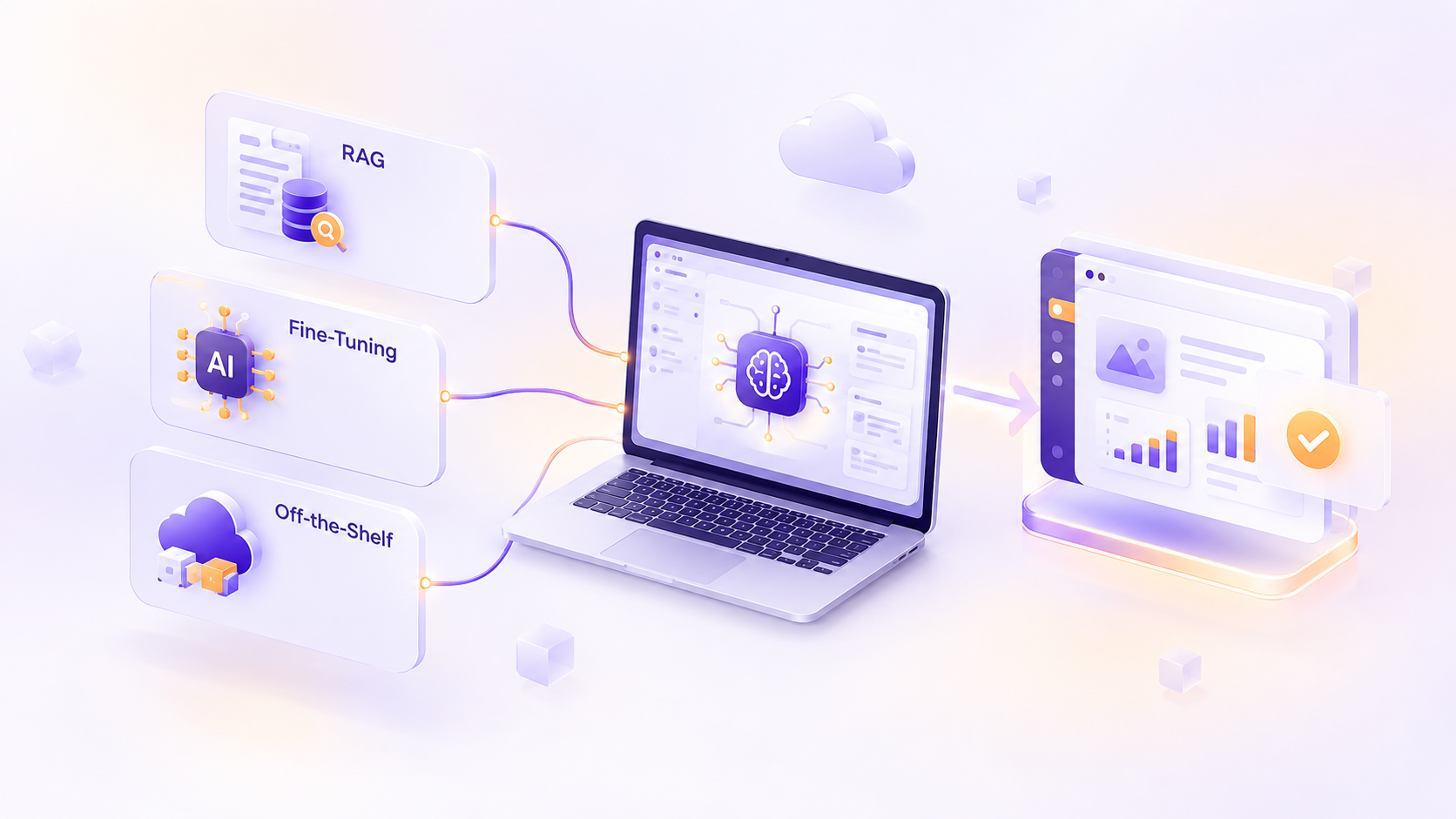
RAG, Fine-Tuning, or Off-the-Shelf: How to Add AI to Your Product Without Regret
Most teams don't regret adding AI to their product. They regret how they added it. Picture a team that spends three months fine-tuning a…
0 Comments
Please log in to post a comment