Restaurant App Development: Ordering, Delivery and What It Really Costs
Diners expect to order, pay, and track their food from their phone now, and the restaurants that make that easy win the repeat business. The problem is that most restaurants hand all of it to DoorDash and Uber Eats, which means giving away a slice of every order and, worse, giving away the customer relationship entirely. The aggregator owns the data, the contact, and the loyalty. You just cook the food.
A branded restaurant app flips that. It lets customers order directly, keeps your margin, and puts your name on their home screen. But "restaurant app development" covers a lot of ground, from a simple ordering app to a full delivery platform with driver tracking, and the cost swings just as widely.
This guide gives you the honest, complete picture: the types of restaurant apps, the features that actually matter, what each tier really costs, how long it takes, and the technology behind it. By the end you will know what to build, roughly what to budget, and where to start.
Why Restaurants Are Building Their Own Apps
The business case for a branded app comes down to one idea: ownership. When you rely on aggregators, you rent your customers. When you have your own app, you own them.
The most immediate win is margin. Third-party platforms commonly take 15 to 30 percent of every order, which quietly eats your profit on food you already made. Direct orders through your own app keep that money in the business.
Then there is the customer relationship. With your own app you collect order history, preferences, and contact details, which lets you run loyalty programs, send push notifications about offers, and bring people back without paying for the privilege. Push notifications alone are effectively a free marketing channel straight to a diner's pocket.
There are operational gains too. Digital ordering means fewer phone orders tying up staff, cleaner kitchen flow, and fewer mistakes. Orders arrive formatted and paid for, which cuts the errors that come from misheard phone calls and frees your team to focus on the food and the room rather than the till. Over a busy service, that efficiency adds up to real time saved and happier staff.
One honest caveat. An app is not right for every restaurant. If your order volume is low or your customers are mostly walk-ins, the economics may not justify the build yet. The app pays off when you have enough repeat and online demand to recover the investment, which is worth being clear-eyed about before you start.
Types of Restaurant Apps
"Restaurant app" means several different things, and knowing which one you need shapes everything that follows.
Online ordering app. The core of most restaurant apps: customers browse the menu, customise items, pay, and collect or receive their food. This is where most restaurants start.
Food delivery app. Adds delivery to ordering, either with your own drivers and a driver app, or through integrated couriers. This is where live order tracking comes in.
Table reservation app. Lets diners book tables, join waitlists, and manage bookings, in the style of OpenTable. Best for sit-down and fine-dining venues.
Loyalty and rewards app. Focuses on repeat business through points, rewards, and offers. Often bundled into an ordering app rather than built alone.
Aggregator or marketplace app. A multi-restaurant platform like DoorDash or Uber Eats, where many venues list together. This is a far bigger, pricier build, usually for a platform business rather than a single restaurant.
QR and contactless dine-in ordering. Diners scan a code at the table to order and pay, popular since the shift to contactless service.
Most independent restaurants do not need just one of these. The common blend is ordering plus delivery plus loyalty, built into a single branded app that covers the whole customer journey.
Must-Have Features
A restaurant app is really three connected products: what the customer uses, what the driver uses, and what you use to run it. Here is what each needs.
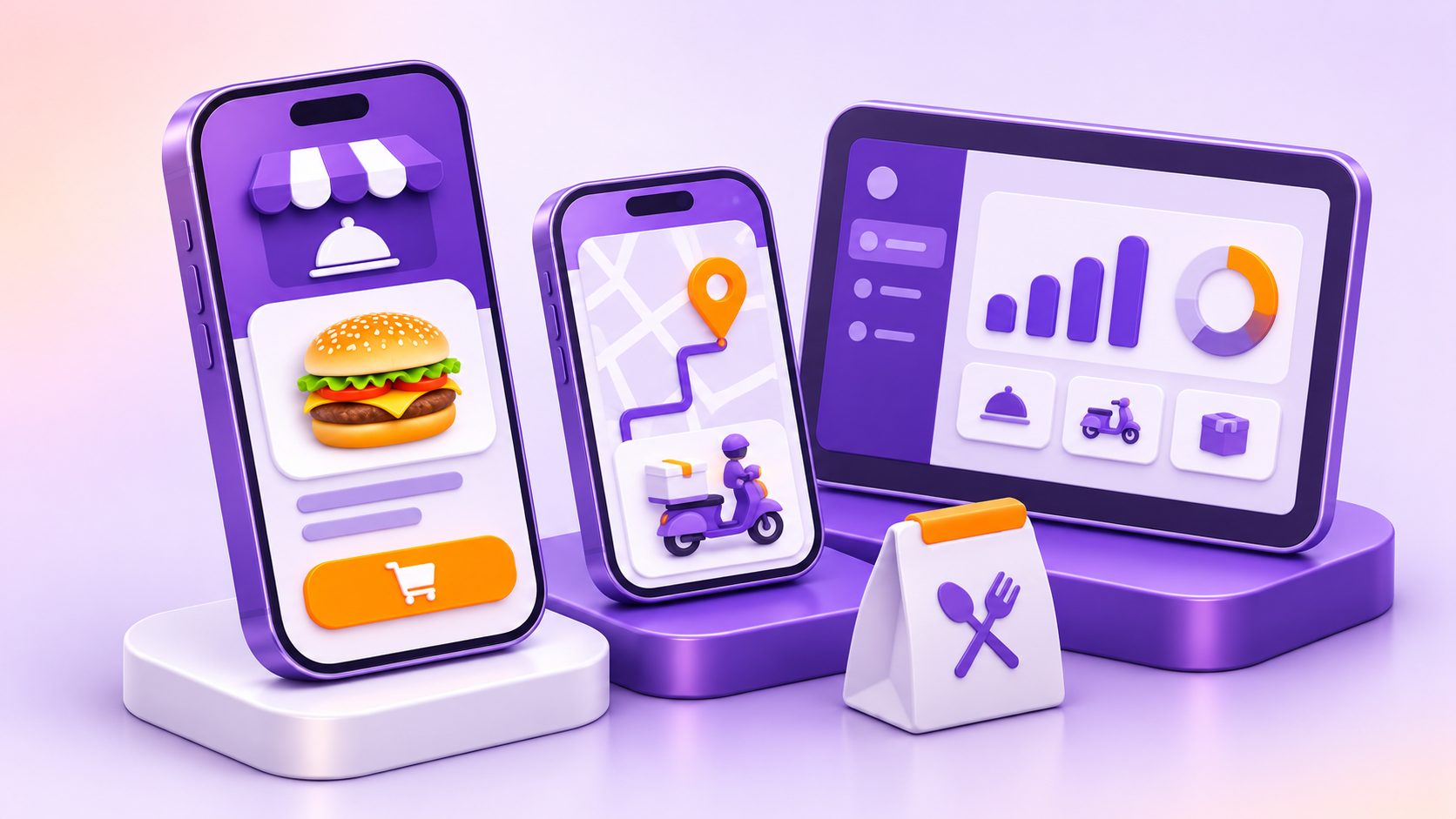
Customer app features:
- A clear menu with modifiers and customisation (size, extras, dietary options)
- A smooth cart and fast, secure checkout
- Multiple payment options with saved cards
- A pickup-versus-delivery toggle
- Real-time order tracking and status updates
- Loyalty and rewards
- Push notifications for offers and order updates
- Reorder and order history
- Account profiles and saved addresses
- Reviews and ratings
Delivery and driver app features:
- Order assignment and acceptance
- Live GPS tracking and route navigation
- Status updates back to the customer
- Earnings and delivery history
Admin and restaurant dashboard features:
- Menu and pricing management
- Order management and queue
- POS and kitchen display integration
- Sales analytics and reporting
- Multi-location controls for chains
Every feature adds to the cost, so the smart move is to prioritise the ones that directly drive orders first and add the rest over time. Building all of this well is the heart of serious mobile app development services, where the customer app, driver app, and dashboard have to work as one system.
The Ordering Experience, Done Right
Ordering is where restaurant apps are won or lost, so it deserves special attention. A clunky ordering flow sends diners straight back to the aggregator they were trying to avoid.
The essentials are simple to list and hard to perfect. The menu must be fast to browse with modifiers that make sense, so customising a burger or choosing a dietary option feels effortless. Checkout should be quick, ideally with guest checkout and saved payment so a returning customer can reorder in seconds. The pickup-versus-delivery choice should be obvious and never confusing. And once an order is placed, real-time status (received, preparing, ready, out for delivery) keeps the diner informed and reduces "where is my food" calls.
Get this flow right and people use your app instead of the alternatives. Get it wrong and no amount of features will save it. That is why the UI/UX and product design of the ordering journey matters more than almost anything else in the build. It is not decoration, it is the difference between an app people love and one they delete.
Delivery: Build Your Own or Integrate?
If you want delivery, you face a real decision: build your own delivery system or plug into existing couriers.
Building your own means an own-fleet operation with a driver app, dispatch logic, and live tracking. You control the whole experience and the delivery margin, but you also take on the cost of building it and the operational burden of managing drivers, routing, and support. This is a bigger, more expensive build.
Integrating third-party couriers through APIs like DoorDash Drive or Uber Direct lets you offer delivery without owning a fleet. You get drivers on demand, pay per delivery, and skip the heavy build. The trade-off is less control and a per-order cost.
The honest guidance is straightforward. Most independent restaurants should integrate, because it is cheaper, faster, and avoids the headache of running a logistics operation. Building your own fleet makes sense mainly for chains with high order volume and enough margin to justify the investment. Match the choice to your scale, not to ambition.
A sensible middle path exists too. Many restaurants start with integrated couriers to launch quickly and keep costs down, then build their own delivery only once order volume proves the demand is there. This lets the business validate delivery before taking on the cost and complexity of running it, which is the same lean thinking that applies to the rest of the build.
What Restaurant App Development Really Costs
Here is the number everyone wants, laid out by scope. These are market ranges from across the industry, not fixed quotes, and your real figure depends on your specific build.
| Tier | What It Includes | Timeline | Typical Cost |
|---|---|---|---|
| Basic MVP | Menu, cart, payment, single location | 2 to 3 months | $15,000 to $40,000 |
| Standard app | + reservations, loyalty, push, multi-location | 4 to 6 months | $40,000 to $90,000 |
| Advanced platform | + delivery app, live tracking, POS, analytics | 6 to 12 months | $100,000 to $250,000+ |
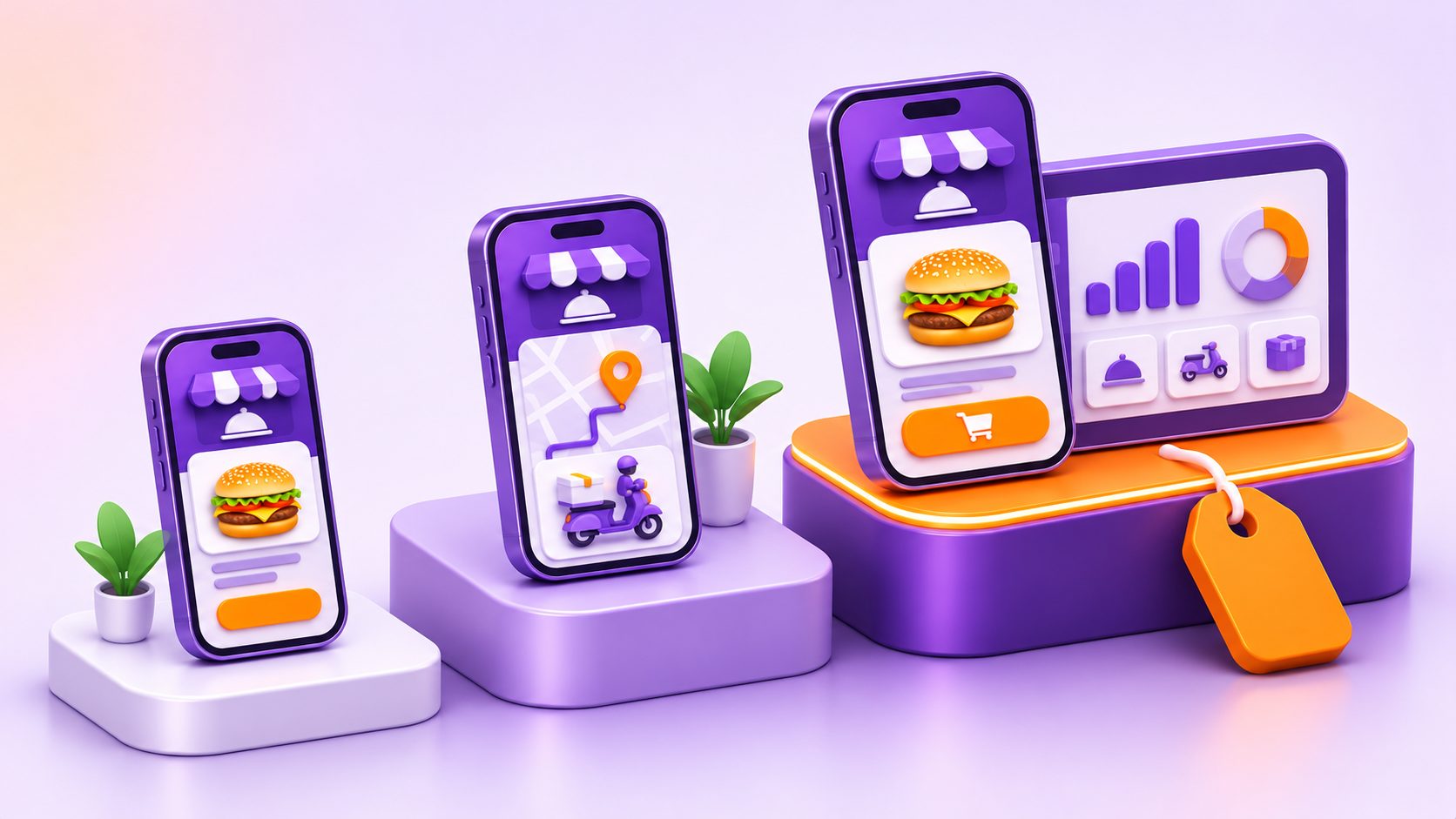
The biggest driver is feature scope, as the table shows. Beyond that, a few things move the figure significantly. The number of platforms matters (iOS, Android, web, tablet POS, kitchen display all add work). Developer location changes everything, since US and Western European teams charge two to three times more than offshore teams. Design depth, templated versus fully custom, flexes the price. And third-party integrations (payments, maps, POS, delivery APIs) each add a line item.
Roughly, the budget splits across discovery and planning, UI/UX design, frontend, backend, integrations, testing, and deployment, with the backend and frontend taking the largest shares. Clone and white-label routes sit well below these ranges if you are willing to trade customisation for speed and savings. For the deeper mechanics of how app budgets are built, our guide on how much it costs to build a mobile app breaks down the drivers in full.
Ongoing Costs After Launch
The build cost is only the start. A restaurant app is a living product, and several costs continue after launch.
Maintenance is the big one, commonly 15 to 20 percent of the build cost every year, covering updates, bug fixes, and keeping pace with new OS versions. On top of that you have cloud hosting, the annual Apple and Google developer fees, and payment processing fees that typically run 1.4 to 2.9 percent of every transaction. SMS and push notification services carry a cost that scales with your order volume, and security patches need ongoing attention.
There is also the cost of growth. Adding new features after launch, which you will want to do as you learn what customers use, means more development time. And do not forget marketing, because an app nobody downloads earns nothing. Getting diners to install it takes in-store promotion, incentives like a first-order discount, and ongoing nudges, and that effort is as important as the build itself. Budgeting for these from the start keeps your plan realistic and stops the running costs from catching you off guard.
How Long It Takes and the Tech Behind It
Timelines track the tiers. A basic MVP usually takes around 8 to 12 weeks, a standard app 16 to 24 weeks, and an advanced delivery platform anywhere from 28 to 52 weeks depending on complexity. Scope creep and late changes are the most common causes of delay, so a tight brief keeps things on schedule.
On the technology, most modern restaurant apps share a common stack. For the app itself, cross-platform frameworks like React Native and Flutter are popular because they cover iOS and Android from a single codebase, which lowers cost, while native Swift and Kotlin are used when maximum performance is needed. Payments run through Stripe or Square. Live tracking uses Google Maps or Mapbox. POS integration connects to systems like Toast, Square, or Lightspeed. Delivery pulls in DoorDash Drive or Uber Direct. Push notifications typically run on Firebase, and the whole thing is hosted on AWS, Google Cloud, or Azure.
The cross-platform choice is worth a closer look, since it is one of the biggest cost levers. Our comparison of native versus cross-platform development explains when each approach makes sense for an app like this.
How to Build Yours (the Right Path)
With the pieces understood, how do you actually get it built? You have three broad routes.
A custom build gives you full control and a product tailored to your brand and operations. It costs the most but scales best, which suits growing restaurants and chains. A white-label or no-code platform is fast and cheap, ready in days, but limited in customisation and harder to extend as you grow. An agency partner sits between the two, bringing a team and process to build what you need without you hiring in-house.
Whichever route you choose, the smart approach is the same. Start with an MVP of core ordering, the menu, cart, payment, and pickup, so you launch quickly and learn from real customers. Integrate rather than build everything from scratch, especially for delivery and payments. Test properly, launch, and then add delivery, loyalty, and other features based on what your customers actually use. This keeps your spend focused and your risk low.
If you want a straight assessment of which path and scope fit your restaurant, talk to us about your restaurant app and we will help you scope it sensibly, through custom software and app development built around your goals rather than a template.
Conclusion
A branded restaurant app wins back what the aggregators take: your margin, your customer data, and your direct relationship with the people who love your food. But the right build depends entirely on your goals, your order volume, and your budget. A simple ordering app and a full delivery platform are different products at very different prices.
The sensible path is to start lean with a great ordering experience, integrate delivery rather than building a fleet, and add loyalty and extra features as you grow. Scope it correctly from the start and the app becomes a genuine profit centre rather than a cost.
If you are ready to explore what a restaurant app could do for your business, talk to us about your restaurant app and we will help you turn the idea into a realistic plan and budget.
0 Comments
Please log in to post a comment